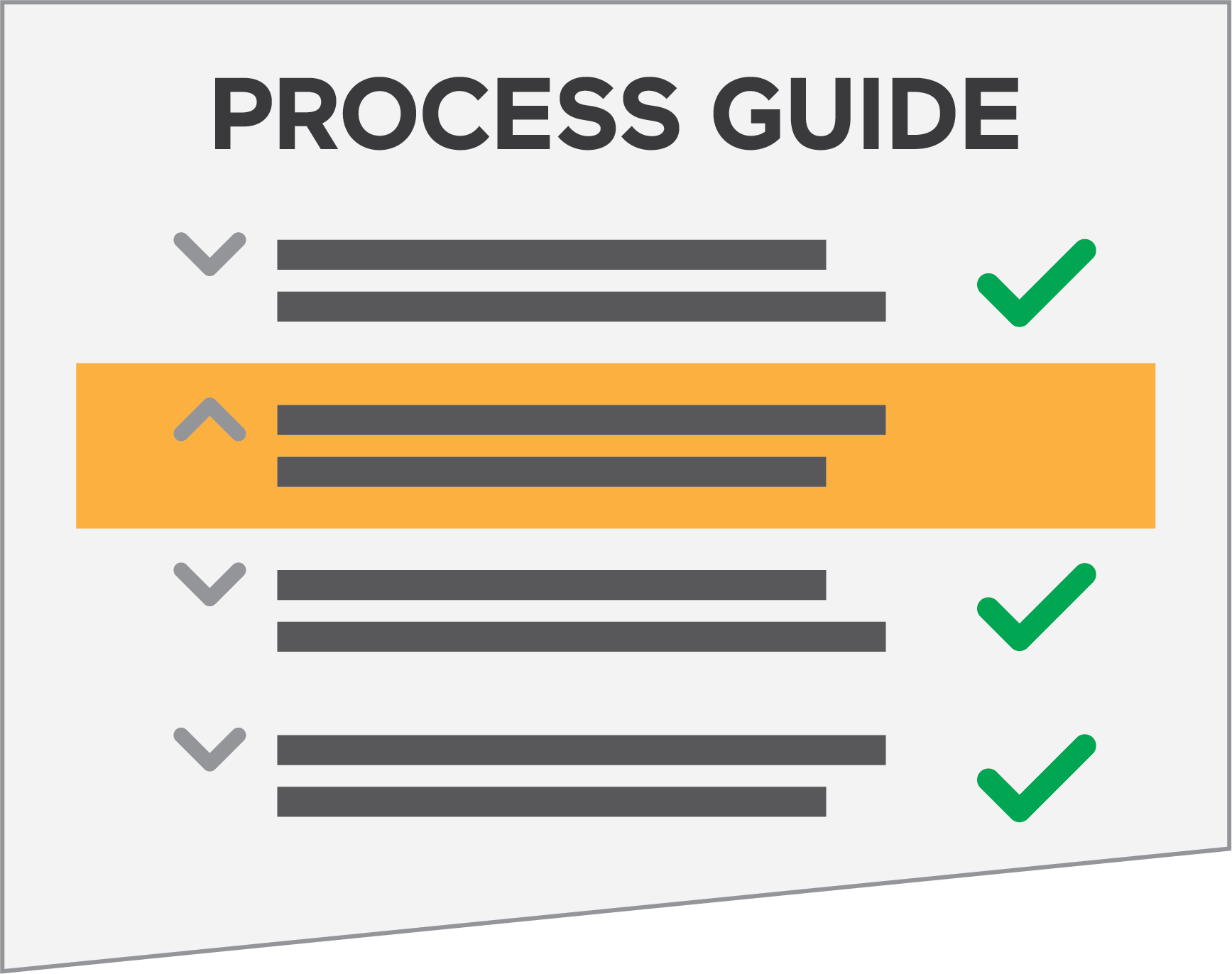
Process Guides lead the user through each step, indicating where a process starts and ends. The guides provide staff with clear directions—for both manual and automatic processes. When processing a license application, for example, our Process Guides take you step-by-step through each requirement. If you lose track of your place in the process, GL Suite highlights a user’s current step; a single click takes you where you need to go. If a process guide step requires the user to navigate to another screen, the user simply clicks the step to automatically navigate to that screen.
GL Suite increases staff efficiency by providing a clear guide of where each step takes place within the system. In addition, GL Suite prompts users to restore previously opened tabs on login to help the user retain progress on all open records and easily get back to their work; GL Suite navigates the user back to the Process Guide and their current step.
Furthermore, process guides link to specific items on a record, such as an application. If linked, the process guide automatically opens when a user selects the linked item on the record. Process guides also link to external sources and documents, such as violation language, statutes or building codes. These configurable links ensure that regulatory agency staff find what they need in one convenient place.